
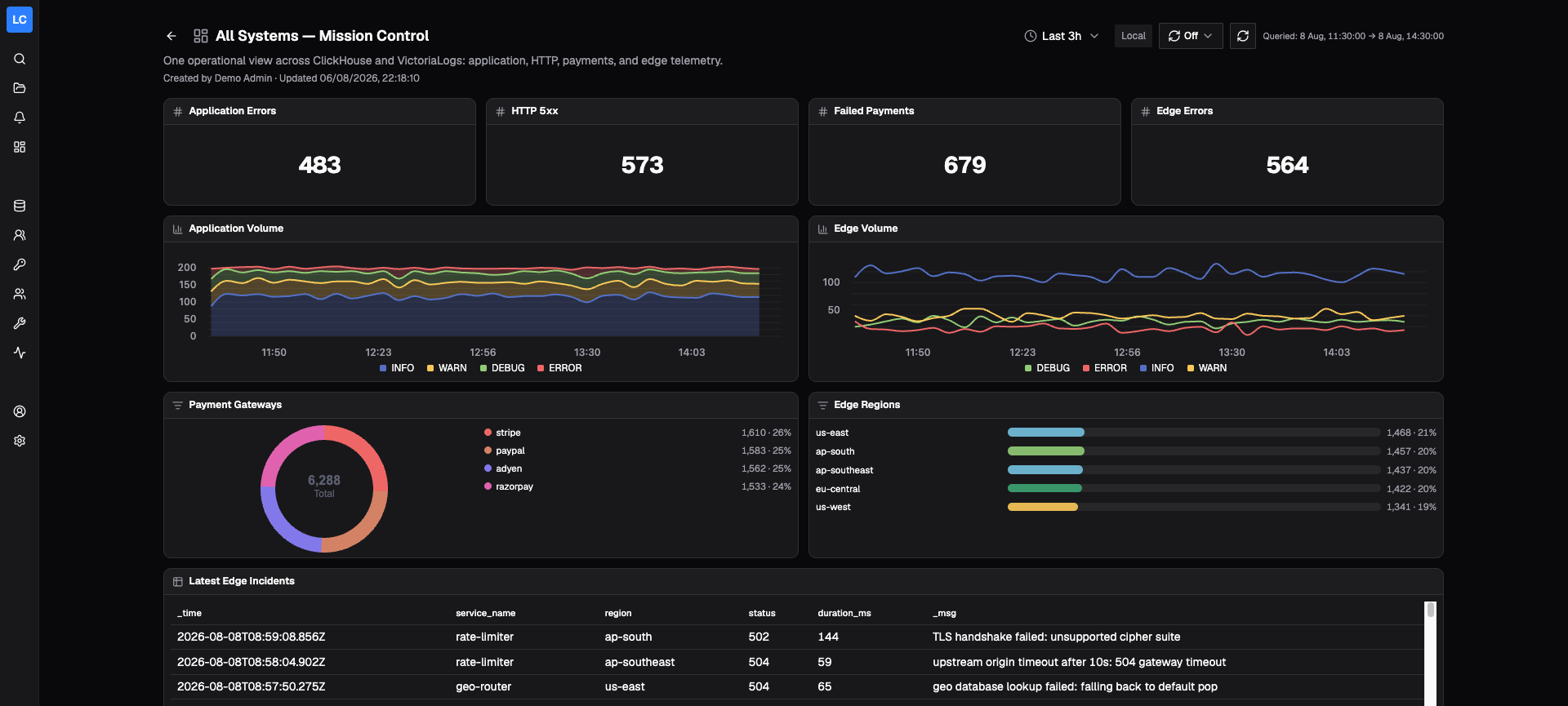
Cross-source dashboards
See the whole system, not another silo
Mix ClickHouse and VictoriaLogs panels on one grid. Stats, time series, breakdowns, and tables share the same time range and refresh together.
Search, tail, visualize, and alert on logs without adding another log storage layer. Logchef runs as a single self-hosted binary and queries the data already in your infrastructure.
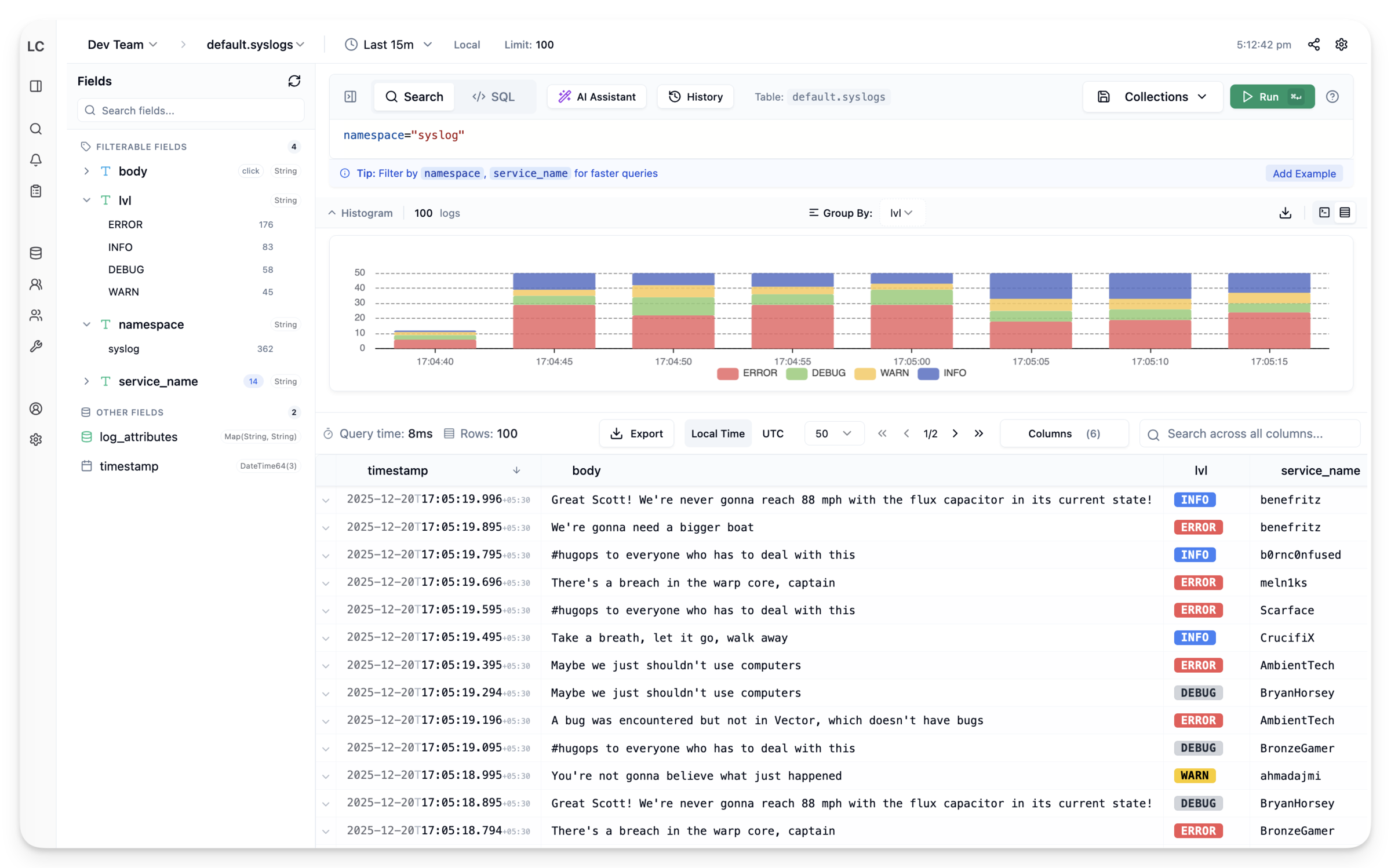
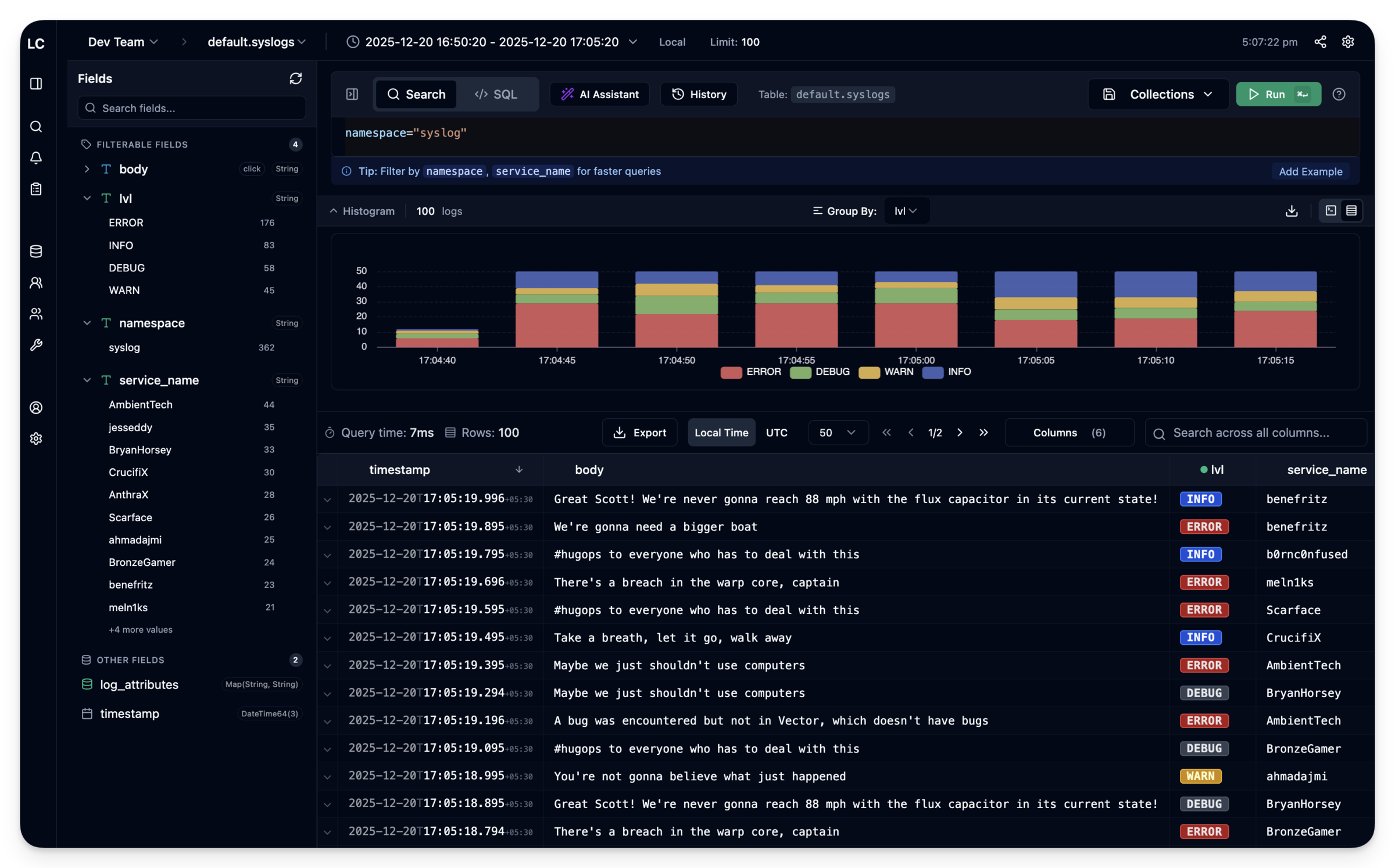
VictoriaLogs is now a first-class datasource, and dashboards can combine it with ClickHouse on the same grid. The backend changes; the investigation workflow does not.
Mix ClickHouse and VictoriaLogs panels on one grid. Stats, time series, breakdowns, and tables share the same time range and refresh together.
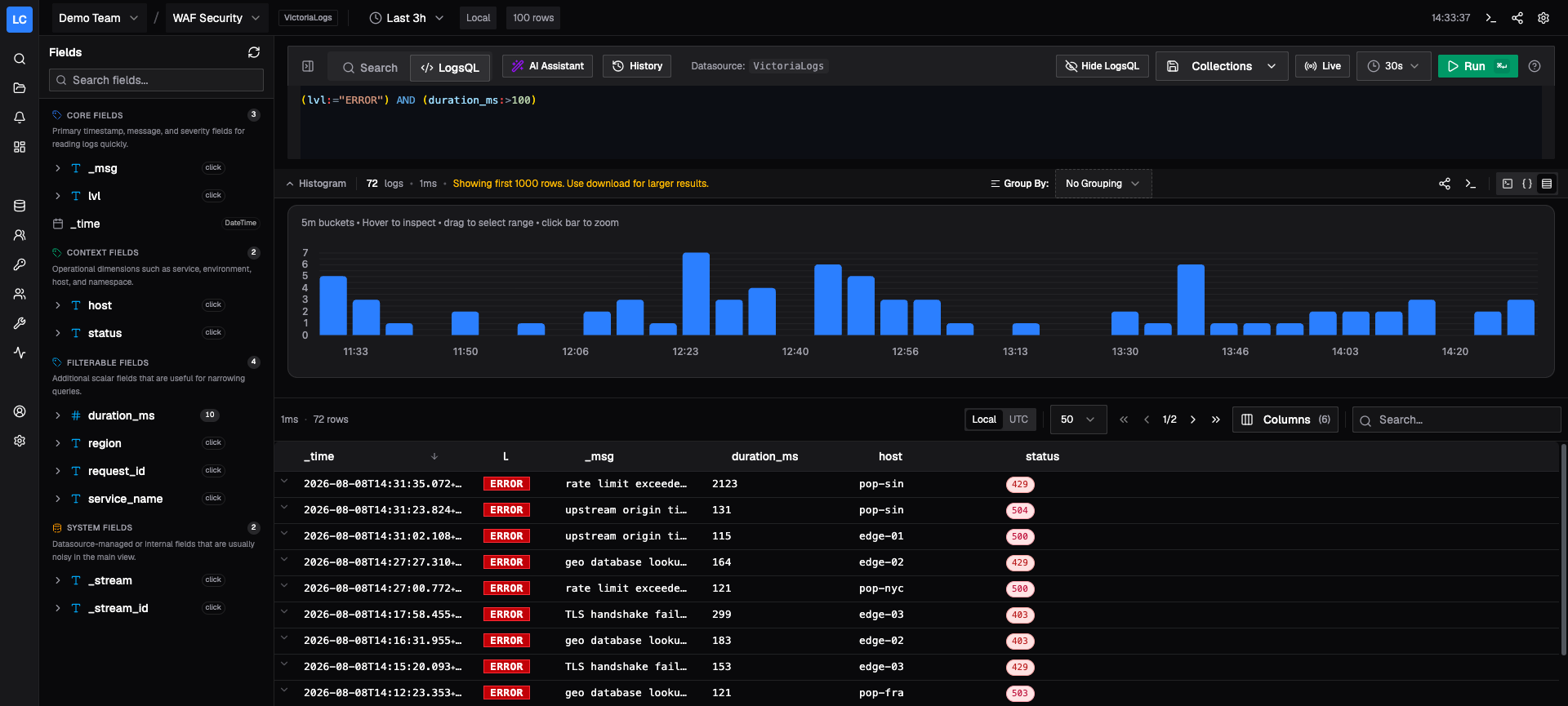
Explore VictoriaLogs with the same field-first workflow as ClickHouse, then switch to native LogsQL whenever an investigation needs backend-specific power.
Use LogchefQL across every source, or switch to native SQL and LogsQL without leaving the investigation.
SELECT * FROM default.app_logs
WHERE (lvl = 'ERROR')
  AND (duration_ms > 500)
(lvl:="ERROR") AND (duration_ms:>500)
Your backend stays the source of truth. Logchef queries ClickHouse and VictoriaLogs directly. There is no re-ingestion, duplicate storage, or schema migration.
Your backend already stores the logs. Logchef gives your team one place to explore them, understand their structure, reuse useful queries, and act when something breaks.
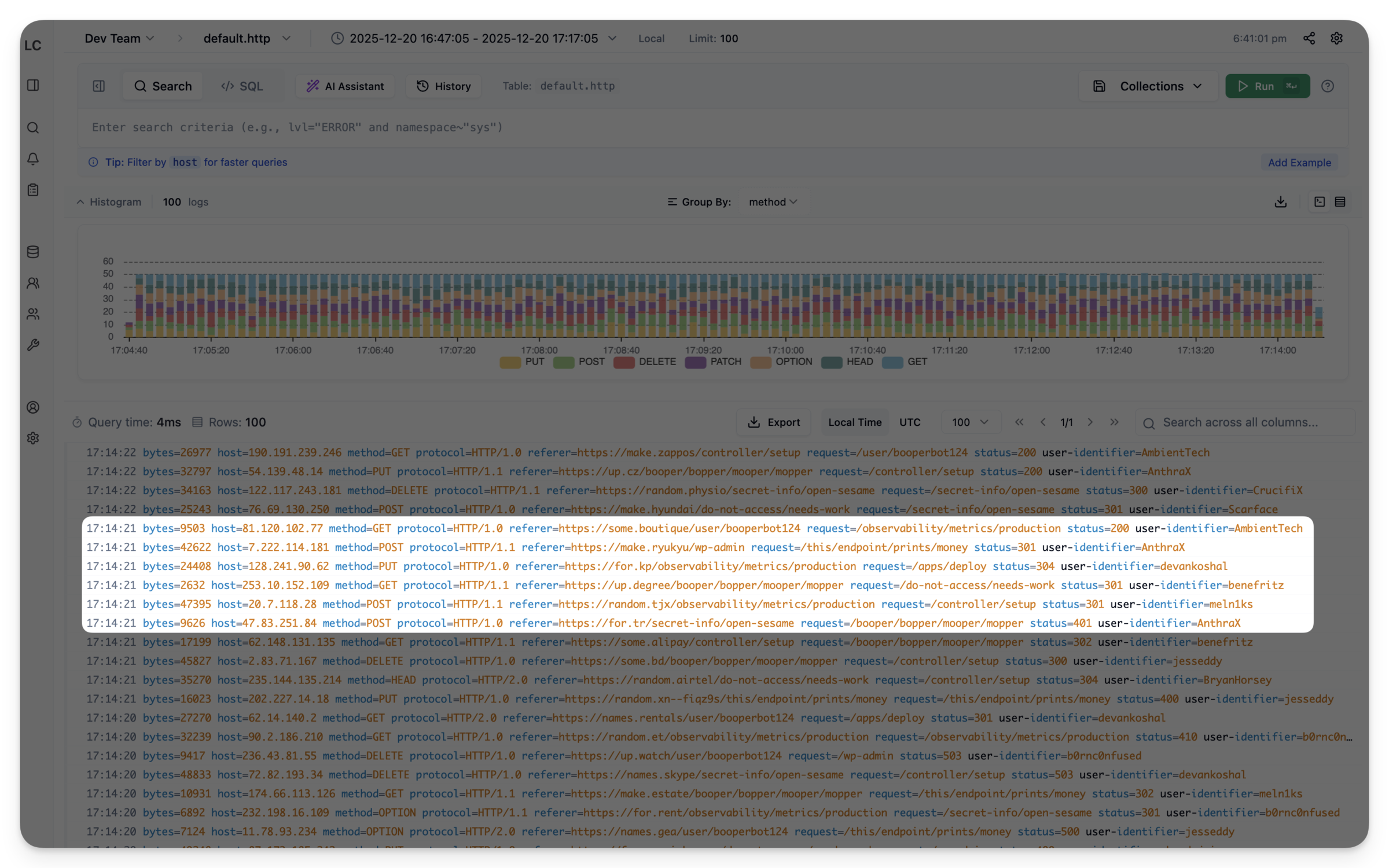
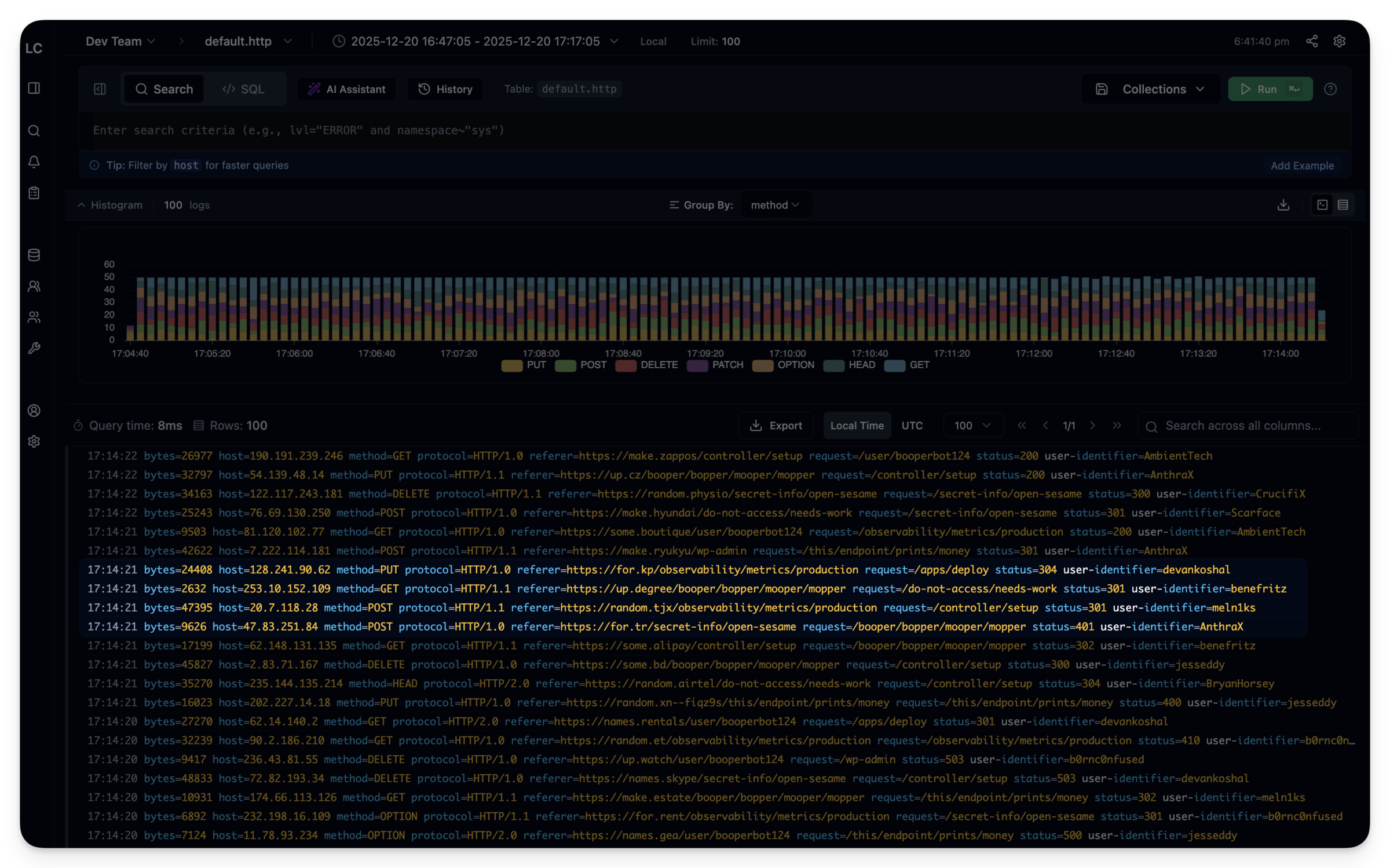
Compact rows put more events on screen. The histogram above them shows when the spike happened, so you can watch your query close in on it.
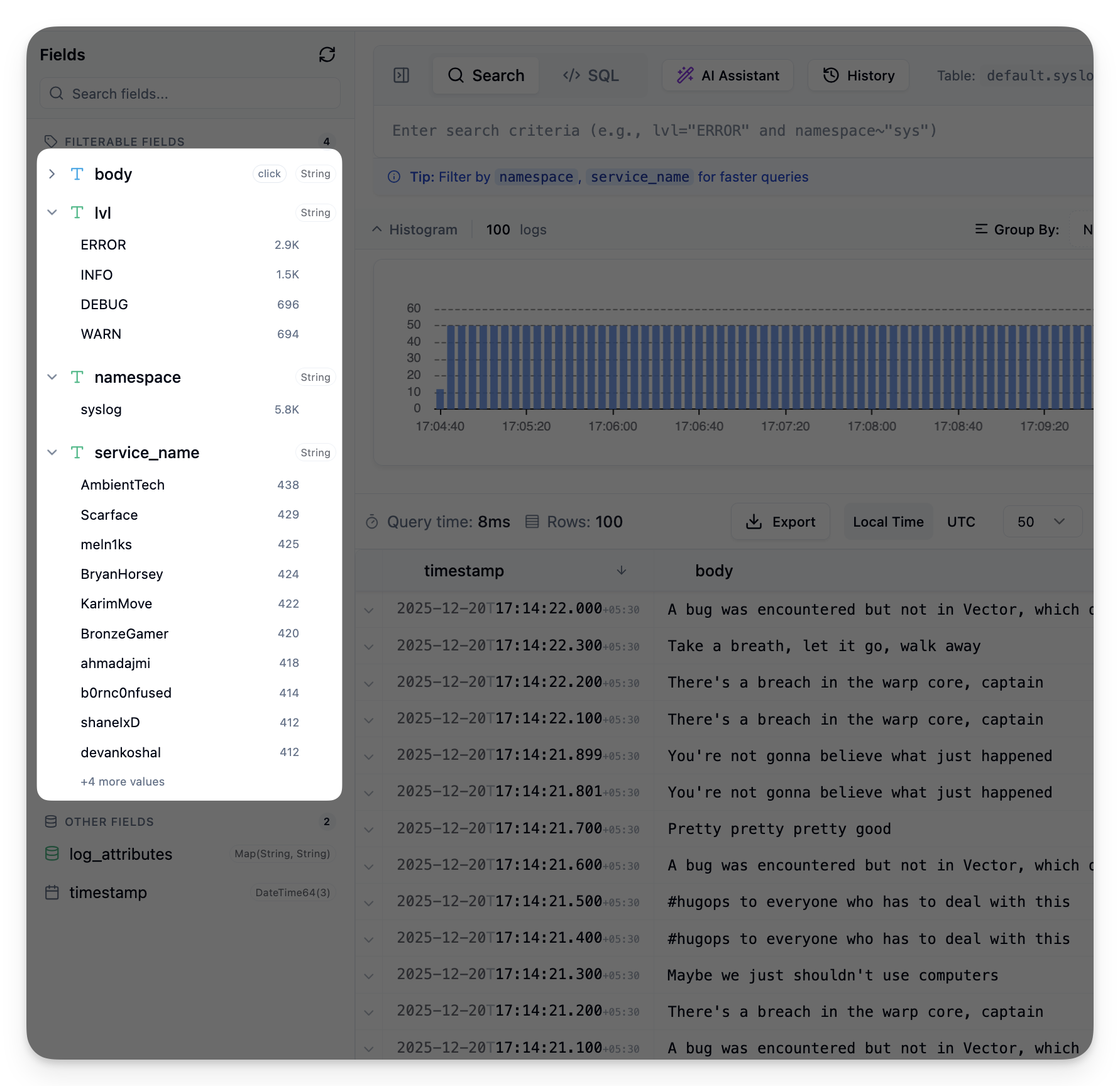
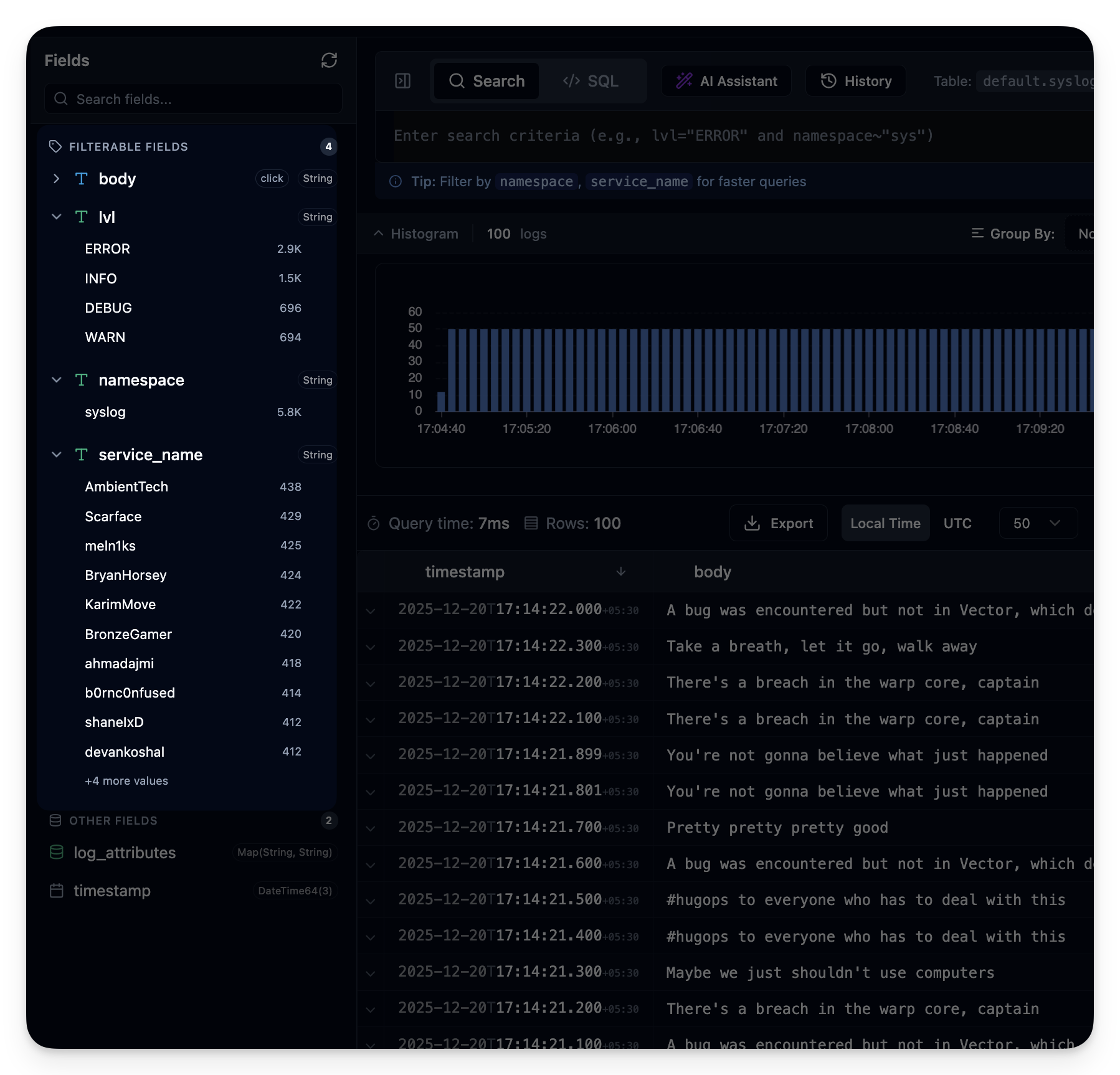
Inspect available fields, top values, and counts without leaving the results. Click any value to add a filter instead of memorizing column names.
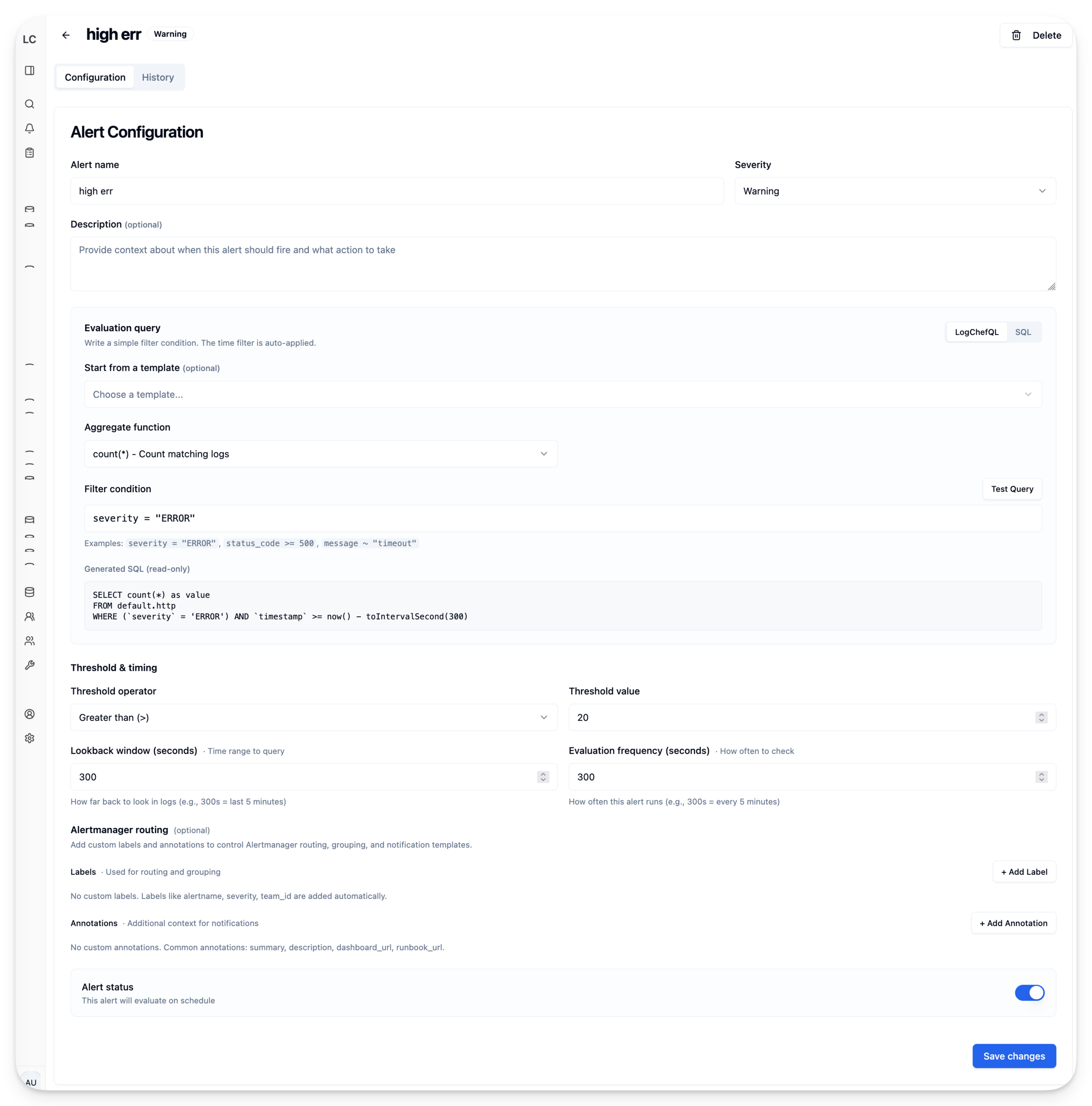
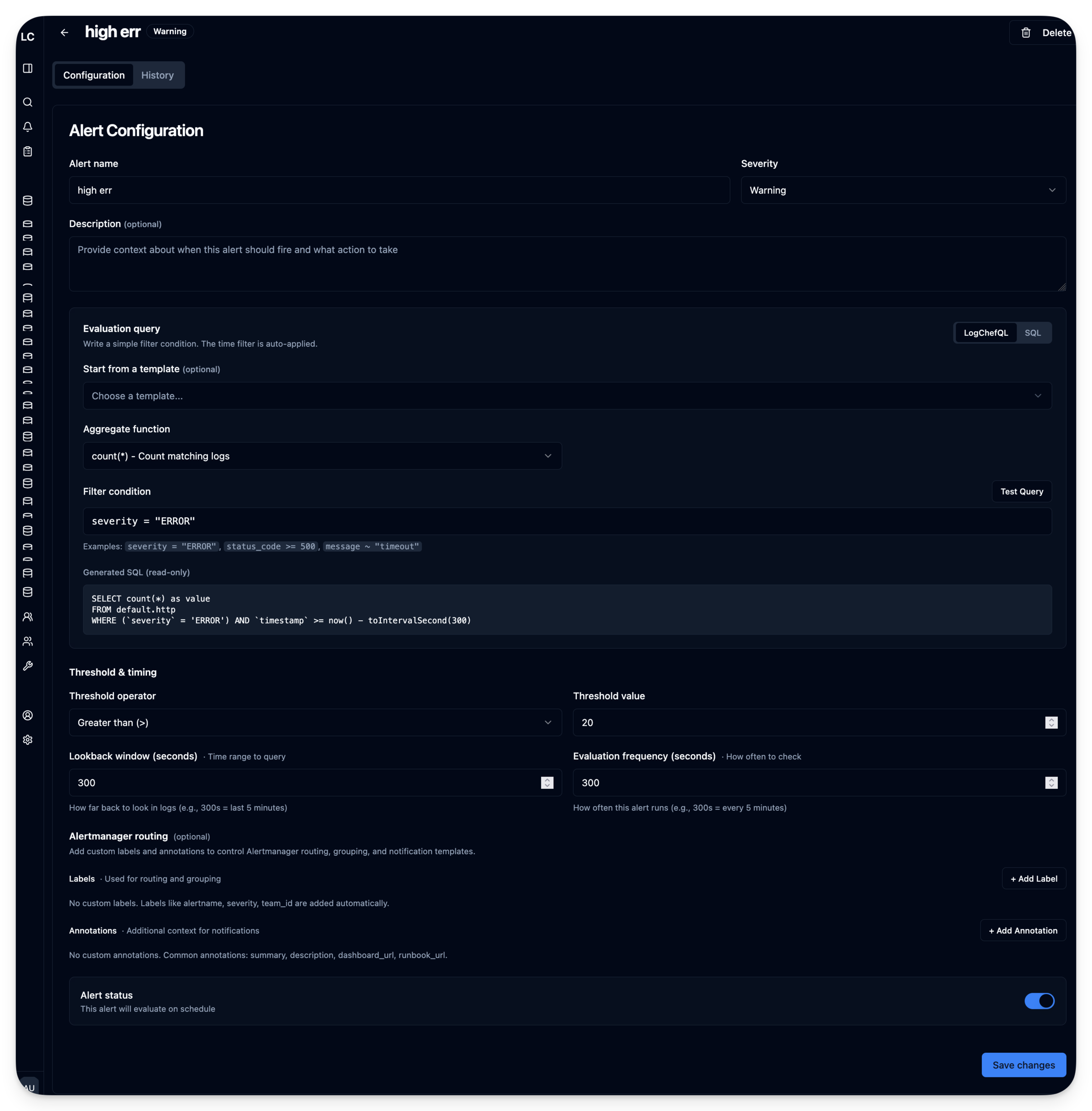
Save a query as a rule and pick how often it runs. When it matches, Logchef sends email or hits a webhook. The query that found the problem is the one that warns you next time.
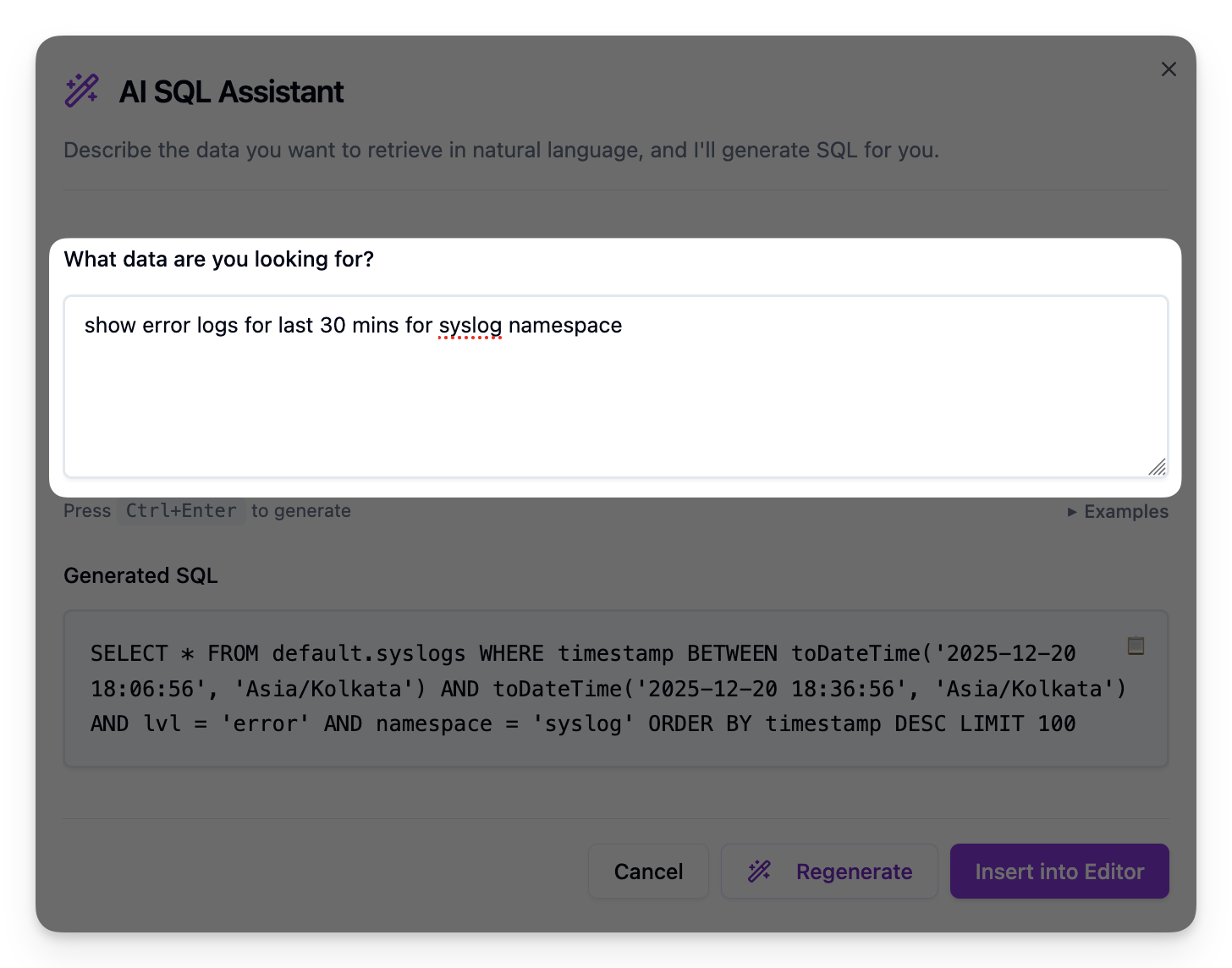
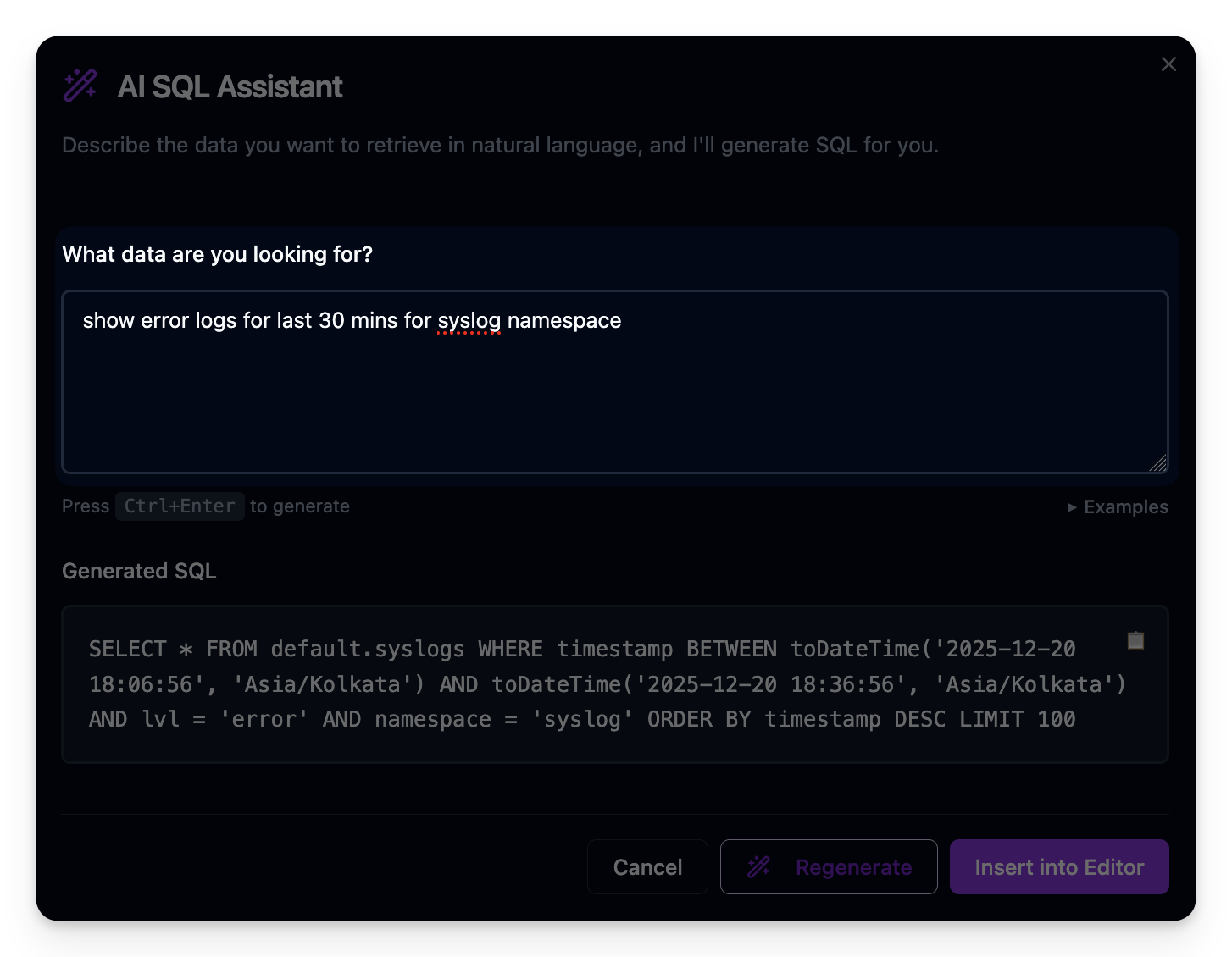
Describe what you're after. You get LogchefQL, ClickHouse SQL, or LogsQL back in the query bar, where you can read it and change it before it runs.
The browser is only one way into Logchef. Use a schema-aware AI assistant, an agent-ready CLI, or an MCP server built for log investigations. Scoped tokens control access to the same ClickHouse and VictoriaLogs sources your team investigates.
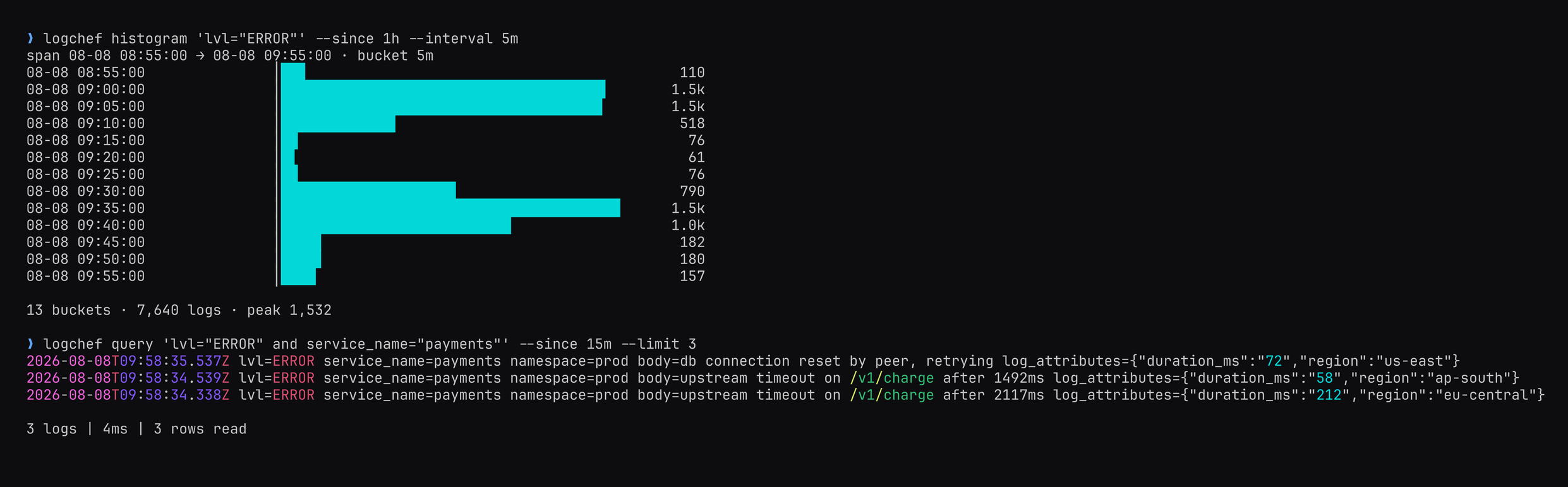
Connect Claude, Codex, Cursor, Copilot, or any MCP client. Agents can discover schemas, query logs, compare time windows, inspect alerts, and follow guided investigation prompts.
Annotated tools · scoped service tokensCompose fields, explain, histogram, find, and live-tail commands in an investigation. Stable JSON and JSONL output keeps piped workflows clean and machine-readable.
--output jsonl --quietThe CLI ships its query grammar, investigation loops, output contracts, and safety guidance. Your agent gets instructions guaranteed to match the binary you installed.
logchef skills get core --fullAsk in plain English and get LogchefQL, ClickHouse SQL, or LogsQL for the active source. Logchef validates the result and leaves it in the editor for review before it runs.
LogchefQL · SQL · LogsQLVictoriaLogs, cross-source dashboards, live tail, local authentication, a more capable CLI, and production guardrails turn Logchef into a complete operational workspace.
Search it with LogchefQL, or drop into LogsQL when you need to. Tenant headers and source scopes carry through every query. Alerts and live tail work the same as they do on ClickHouse.
Put ClickHouse and VictoriaLogs panels on the same grid. Drag and resize them in place. Time series, stats, breakdowns, and tables all share one time range.
Keep the filter that found the issue running and watch matching events arrive in the browser or your terminal.
Use local login or OIDC, then control access with global, team, and collection roles. Source assignments isolate log data, scoped service tokens secure automation, and provisioning keeps access reproducible.
Query either backend from your terminal. Read the generated query before it runs, draw histograms, tail live, dig through fields and history, and hand any result off to the browser.
Cache dashboard results, set per-source ClickHouse query limits, stream large ClickHouse previews, and enable rate limits for shared deployments.
Logchef itself has no runtime dependencies. Start with the bundled local demo stack, or download the binary and configure it for the ClickHouse or VictoriaLogs backend you already run.
# Start the bundled Logchef + ClickHouse demo stack
curl -LO https://raw.githubusercontent.com/mr-karan/logchef/main/deployment/docker/docker-compose.yml

docker compose up -d

# Open http://localhost:8125
Vector and OpenTelemetry keep shipping logs to the backends you already operate. Logchef connects to ClickHouse and VictoriaLogs as the query and control plane.
Collect and route logs with the tools you already run.
Keep retention, schemas, and operations where they are.
Search, tail, visualize, alert, and automate across both backends.
No forwarding changes. No duplicate storage. No schema migration.
Start with the live demo, or deploy the single binary and connect your first ClickHouse or VictoriaLogs source.